We’re proud to release v3 of laravel-site-search, a package that crawls and indexes your entire site. Think of it as your own private Google. Point it at a URL, let it crawl every page, and get full-text search results back.
Previous versions required Meilisearch as the search engine. That works well, but it means running a separate service.
With v3, your application’s own database is all you need. It supports SQLite, MySQL, PostgreSQL, and MariaDB out of the box, and it’s the new default.
Let me walk you through it.
Using Laravel Site Search
First, install the package via composer:
composer require spatie/laravel-site-search
Next, you should publish and run the migrations:
php artisan vendor:publish --tag="site-search-migrations"
php artisan migrate
Then, create a search profile. The package provides an artisan command for this:
php artisan site-search:create-profile
This will ask you for the name and URL of the site you want to index. Once configured, crawl the site:
php artisan site-search:crawl
That’s it. No Meilisearch to install, no external service to configure. The package uses your existing database. Under the hood, the crawling is powered by our own spatie/crawler package, which recently got a major update as well.
The Search class provides a fluent API for querying your index:
use SpatieSiteSearchSearch;

$searchResults = Search::onIndex('my-site')
    ->query('laravel middleware')
    ->get();
You can limit the number of results:
$searchResults = Search::onIndex('my-site')
    ->query('laravel middleware')
    ->limit(10)
    ->get();
Or paginate them, which integrates with Laravel’s built-in pagination:
$searchResults = Search::onIndex('my-site')
    ->query('laravel middleware')
    ->paginate(20);
Each result is a Hit object with properties like url, pageTitle, entry, and description. You can also get a highlighted snippet where matching terms are wrapped in <em> tags:
foreach ($searchResults->hits as $hit) {
    echo $hit->url;
    echo $hit->title();
    echo $hit->highlightedSnippet();
}
The database driver
The biggest addition in v3 is the DatabaseDriver. Instead of relying on Meilisearch, it stores all indexed documents in a site_search_documents table in your own database and uses each database engine’s native full-text search capabilities.
For SQLite, it creates FTS5 virtual tables with porter stemming and unicode support. BM25 is used for relevance ranking, and highlighted snippets are generated natively by FTS5.
For MySQL and MariaDB, it sets up FULLTEXT indexes and uses boolean mode search. Highlighting is handled in PHP after the query.
For PostgreSQL, the driver creates tsvector columns with GIN indexes. It uses ts_rank() for relevance scoring and ts_headline() for generating highlighted snippets. Content is weighted so that matches in headings rank higher than matches in the body text.
All supported databases provide stemming (so “running” matches “run”), prefix matching (“auth” matches “authentication”), relevance ranking, and highlighted search results with matching terms wrapped in <em> tags.
Since the database driver is the new default, getting started requires no configuration beyond what you already have. Install the package, run the migration, set up a search profile, and you’re ready to crawl.
Meilisearch is still supported. If you’re already using Meilisearch or need its advanced features like synonyms and custom ranking rules, nothing changes for you. The Meilisearch driver is still fully supported. You can switch between drivers by setting the default_driver in the config or per search profile via the driver_class attribute.
// config/site-search.php

'default_driver' => SpatieSiteSearchDriversMeiliSearchDriver::class,
We use it ourselves
We’re using laravel-site-search in production on several of our own sites. The search on freek.dev, the documentation search on Oh Dear, and the documentation search on Mailcoach are all powered by this package.
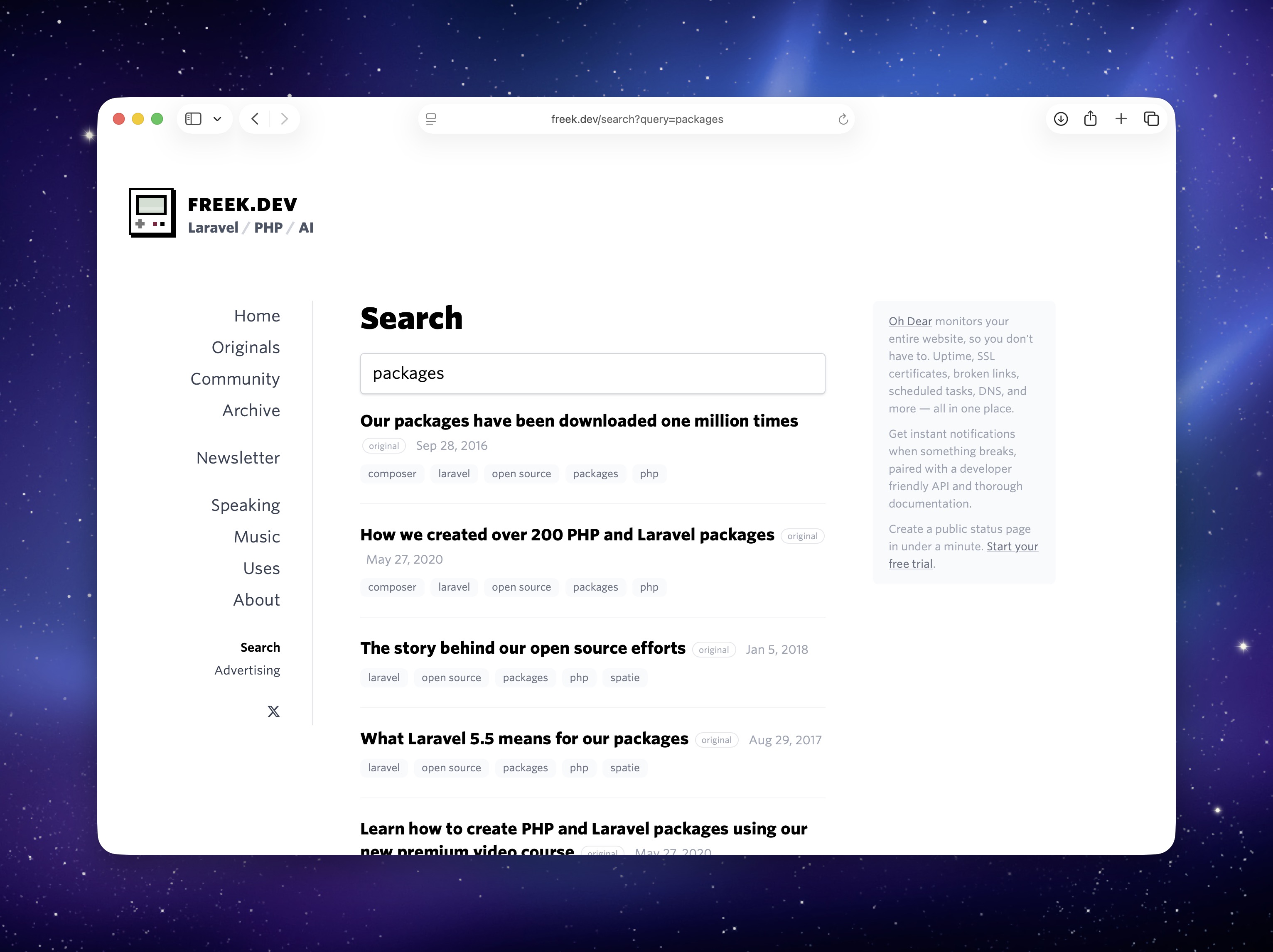
The source code of freek.dev is open source, so you can see exactly how the package is integrated. The Livewire search component handles querying and displaying results. The search profile configures the crawler and determines which pages should be indexed. A custom indexer cleans up page titles before storing them. And the config file ties it all together, specifying which CSS selectors and URLs to ignore during indexing.
In closing
With v3, laravel-site-search no longer requires any external dependencies. Install it, point it at your site, and search. If you’re using MySQL, PostgreSQL, SQLite, or MariaDB, you already have everything you need.
You can find the full documentation on the documentation site. The source code is available on GitHub.
This is one of the many packages we’ve created at Spatie. If you want to support our open source work, consider picking up one of our paid products.