In PyCharm 2026.1.2, you can enable Pyrefly as an external type provider, dramatically increasing the speed of the IDE’s code insight features.
What is the Pyrefly LSP?
“LSP” stands for the Language Server Protocol – a standardized protocol that allows code editors and IDEs to communicate with language servers. The LSP enables language servers to provide code intelligence features, such as:
- Code completion
- Information on hover (for example, quick documentation)
- Go to definition and other actions
- Error checking and type-related diagnostics
The key benefit of the LSP is that it allows a single language server to be used across multiple tools. This means that language-specific intelligence does not have to be implemented separately in every editor, IDE, or CI pipeline.
Pyrefly is Meta’s next-generation Python type checker, engineered from the ground up in Rust to replace its predecessor, Pyre (written in OCaml). With the move to Rust, Pyrefly achieves significantly faster performance and improved cross-platform portability. More than just a rewrite, it is designed to be more capable and robust, offering an efficient toolset for maintaining large-scale Python codebases with high precision and minimal overhead.
Pyrefly provides the following benefits:
- Higher performance and efficiency – Thanks to its Rust-based architecture, Pyrefly achieves significantly faster speeds and improves cross-platform portability.
- Enhanced code intelligence – As an external type provider, Pyrefly powers essential code insight features in the IDE, including type inference, type-related diagnostics, quick documentation, and inlay hints.
- Scalability – Pyrefly is designed to handle large-scale Python codebases with high precision and minimal overhead.
Pyrefly is highly beneficial for projects and developers dealing with large, complex Python codebases that prioritize performance and robust typing. Integrating Pyrefly via the LSP is part of our ongoing work to enhance code insight performance in PyCharm.
Using Pyrefly in PyCharm
Once enabled, Pyrefly powers all code insight functionality in PyCharm, including type inference and type-related diagnostics, quick documentation, and inlay hints. Delegating analysis to this faster engine delivers significantly improved performance.
To start using Pyrefly in your PyCharm project, go to the Type widget at the bottom of the window. By default, the IDE uses the built-in type engine. Click on the widget and select the option to use Pyrefly. If you do not have Pyrefly installed yet, PyCharm will install it automatically.
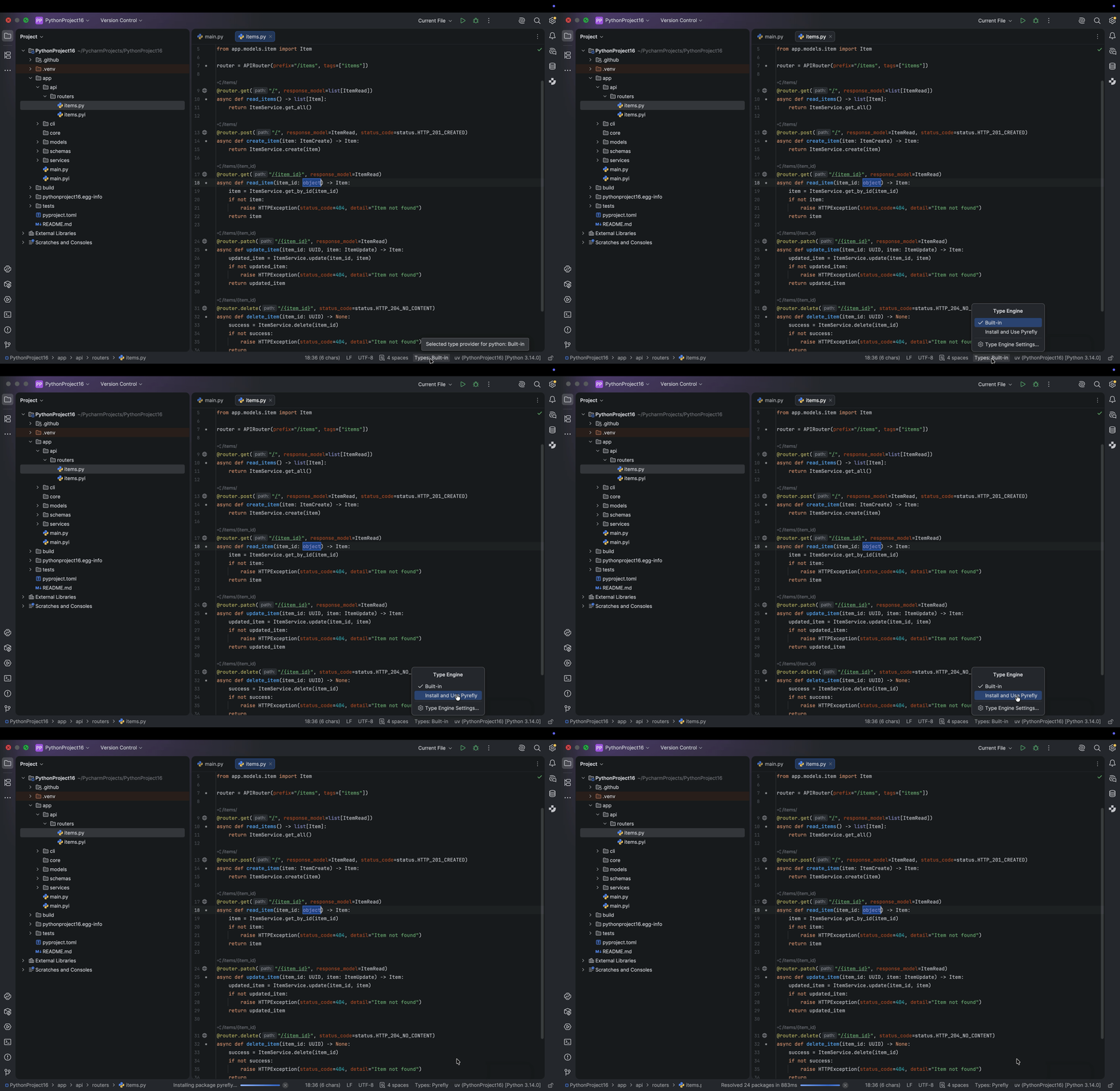
Once you’ve switched to the Pyrefly type engine, you will see a Pyrefly icon at the bottom, which you can hover over to check the version being used.

Please note that the integration currently works for local interpreter configurations. Support for Docker, Docker Compose, WSL, SSH, and multi-module projects is planned for future releases.
Pyrefly vs. the built-in type engine
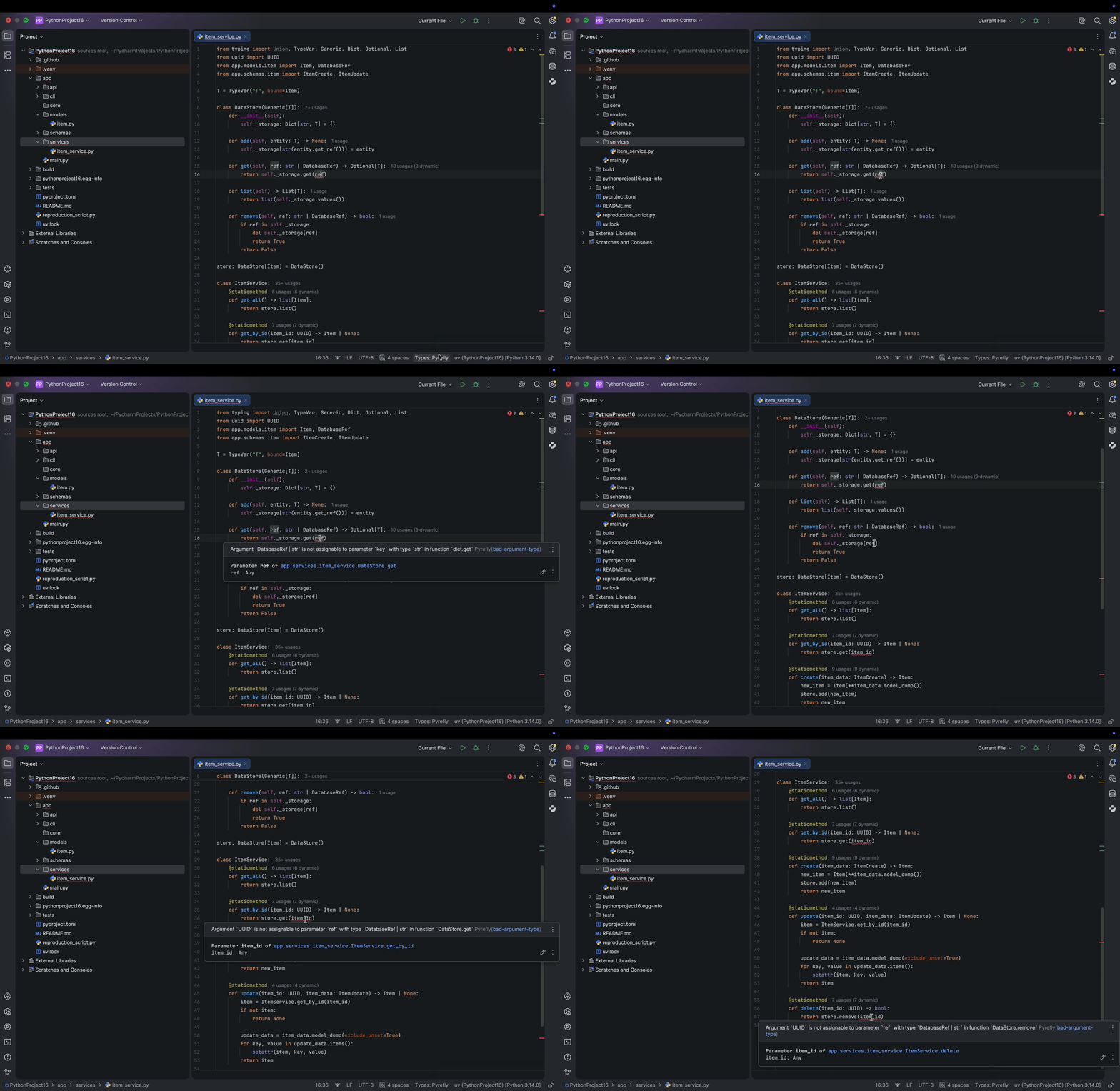
Now let’s look at how Pyrefly and the built-in type engine behave in a complex Python project. In this FastAPI example, multiple files are typed, but in this file, the variable ref is incorrectly typed, causing four errors. When using the built-in type engine, the IDE identifies that something is wrong, but it suggests running further analysis to fix the problem, which requires an extra step.
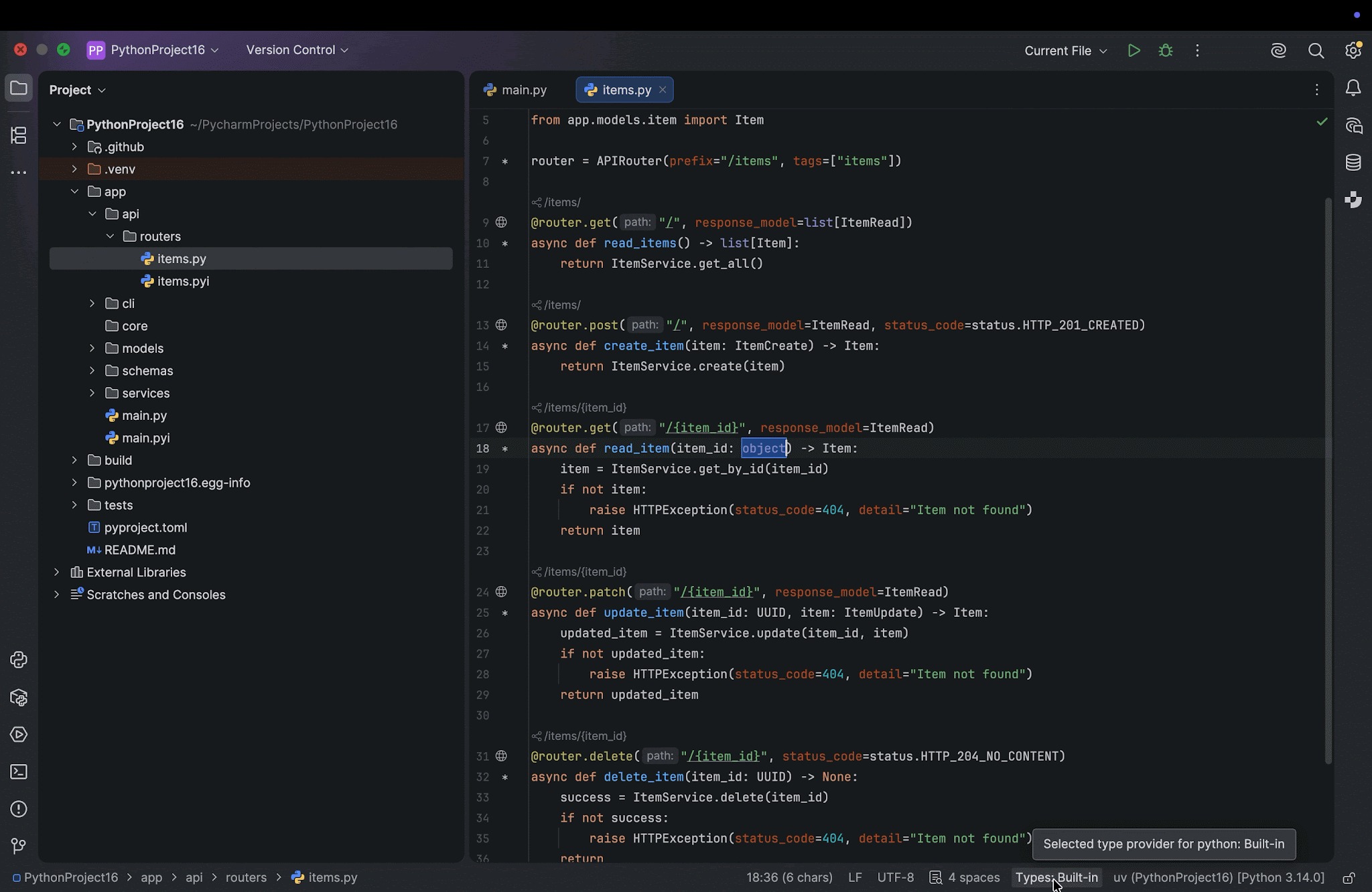
Using Pyrefly as the type engine, the IDE reports errors immediately and highlights where they originate. However, it is worth noting that, in our example, there are four errors, but Pyrefly picks up only three of them. It misses the one in self._storage[ref].
Download the latest version of PyCharm and try it out
Ready to experience a dramatic leap in Python development performance? The Pyrefly LSP integration in PyCharm 2026.1.1 delivers the next generation of type checking. Engineered in Rust for unparalleled speed, it resolves files in as little as 0.5–1 seconds, significantly faster than the built-in engine. If you maintain large, complex Python codebases and prioritize robust typing, this feature is essential, as it allows you to delegate analysis to a faster engine and receive immediate type-related diagnostics. Download the latest version of PyCharm (2026.1.1) to unlock superior efficiency, scalability, and code insight.