TheStreet aims to feature only the best products and services. If you buy something via one of our links, we may earn a commission.
Like many people in this digital age, I can say that I spend way too much time on my phone. From the moment I wake up to turn off my alarm clock or check the time, I often give in to the urge to doomscroll. “Five more minutes” can easily turn into an hour, and before I know it, it’s time to start my workday. Throughout the day, it’s become second nature to grab my phone during a spare minute, and before bed, it’s back to doomscrolling.
Does anyone want to spend a majority of their life staring at a screen? Absolutely not. It can take a negative toll on you, from increased anxiety to poor sleep quality, both of which I’ve experienced firsthand. There are also studies that dive into how too much phone usage can impact your physical health, mental health, and wellbeing.
In an attempt to feel more productive and improve my overall health, I actively try to reduce my screen time. I’ve kept my phone out of arm’s reach, dabbled with more analog hobbies, and have even considered switching over to a “dumb” phone. However, one thing that’s been a game changer for cutting back extra phone time is an app-blocking device from Brick, which you can shop on Amazon and the Brick website for as low as $59.
The Brick

What is Brick?
Ironically, you’ve probably seen Brick while scrolling on social media as a way to reduce screen time. It’s a small device — around 2 inches by 2 inches — with a magnetized back that you can attach to surfaces like your fridge, metal furniture and decor, or a magnetic whiteboard. Combined with the Brick app, it temporarily blocks apps and notifications on your phone to help reduce extra phone usage, like scrolling on social media. It’s subscription-free, with no hidden fees or extra payments aside from buying the device itself. It’s wireless, doesn’t need to be charged, and it works with both iOS and Android phones. The best part is that one Brick device works for you and your entire household, or anyone who wants to use it, really. As long as the person has the Brick app downloaded to their phone, they can tap your Brick and start a session. This is great for when you want to keep study sessions, movie nights, and game nights free of distractions.
@haleyreidtay An honest review of @GetBrick #brick #brickphone #brickphoneblocker #productivitytips
How does Brick work?
Brick is so easy to set up and use. After unboxing the device, you download the Brick app and create an account. Then, you choose all the apps and websites you want to block when your phone is bricked, with the option to create different modes. I currently have a “Mindful Mode” with social media apps, like Instagram and Reddit, blocked that I tend to doomscroll on the most. There’s also a section to explore mode ideas, like ones designated for family, sleep, and work.
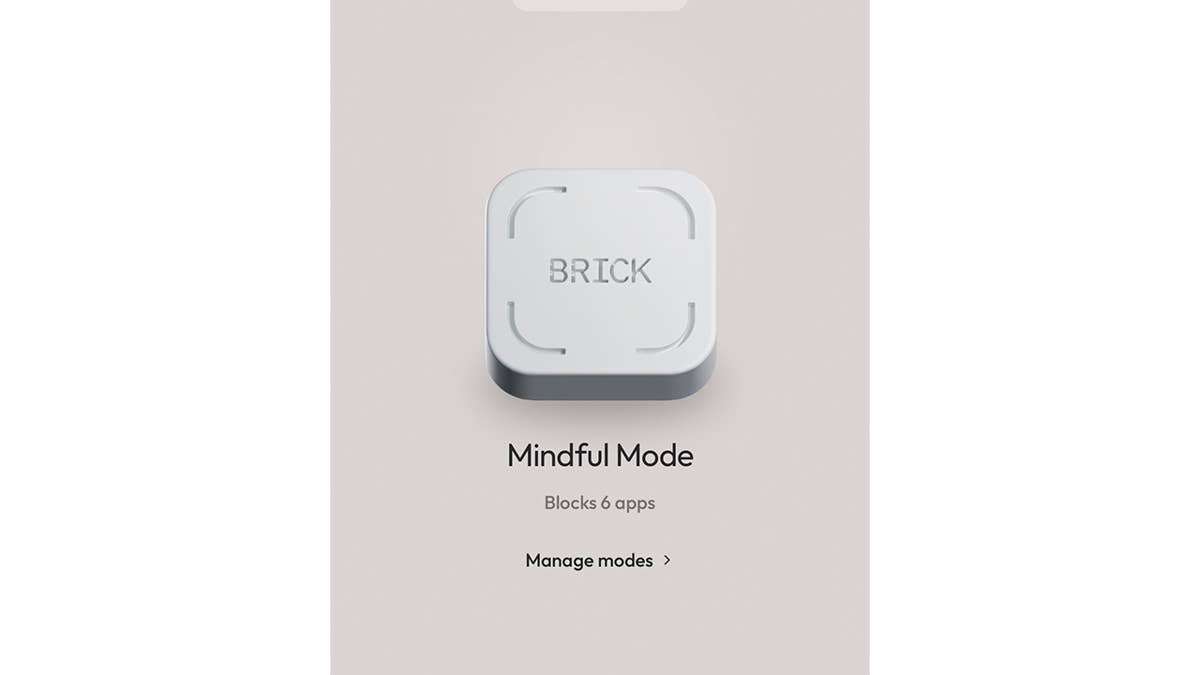
When you’re ready to brick your phone, you tap the button on the app and hold your phone over the Brick device. You’ll feel a little vibration from your phone, and it becomes distraction-free. A timer runs to let you know how long your phone is bricked for, so you can keep track of your Brick activity. You can also make schedules to automatically brick your phone during certain times and days. When you’re ready to unbrick your phone, you simply tap it over the Brick again.
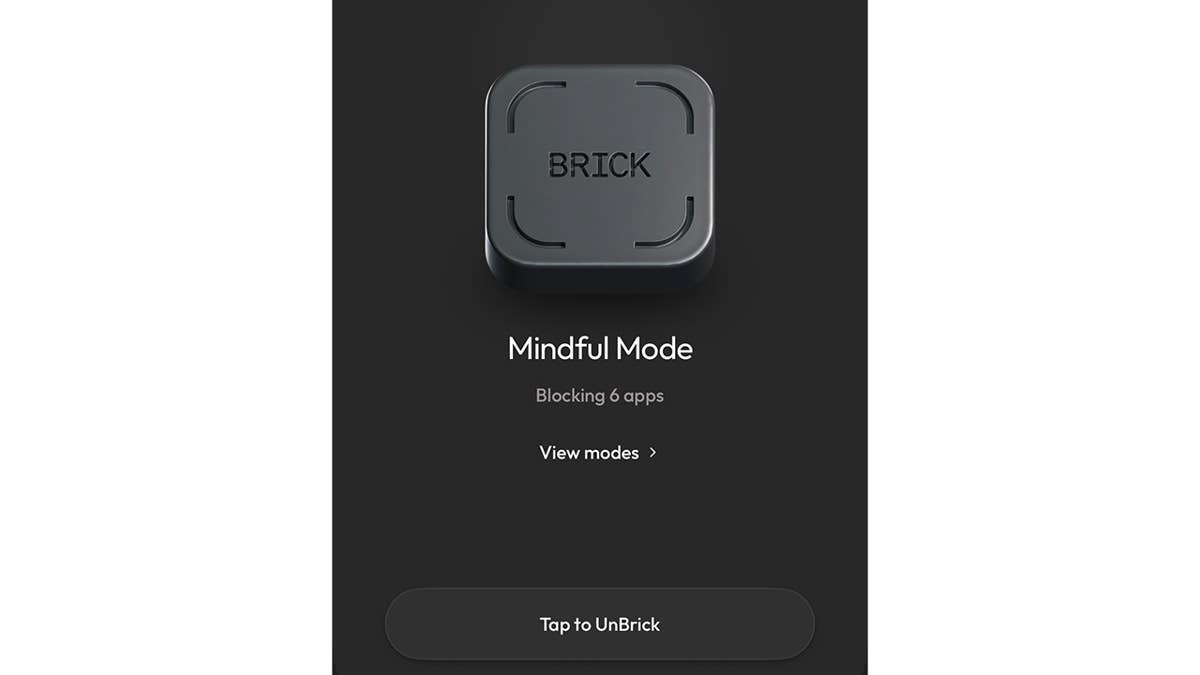
If you lose the Brick device or need to unbrick without it, you have five emergency unbricks you can use. And if you need to have your unbricks reset, you have to fill out a form online, and you’ll get more unbricks in around two business days.
Does the Brick really limit screen time?
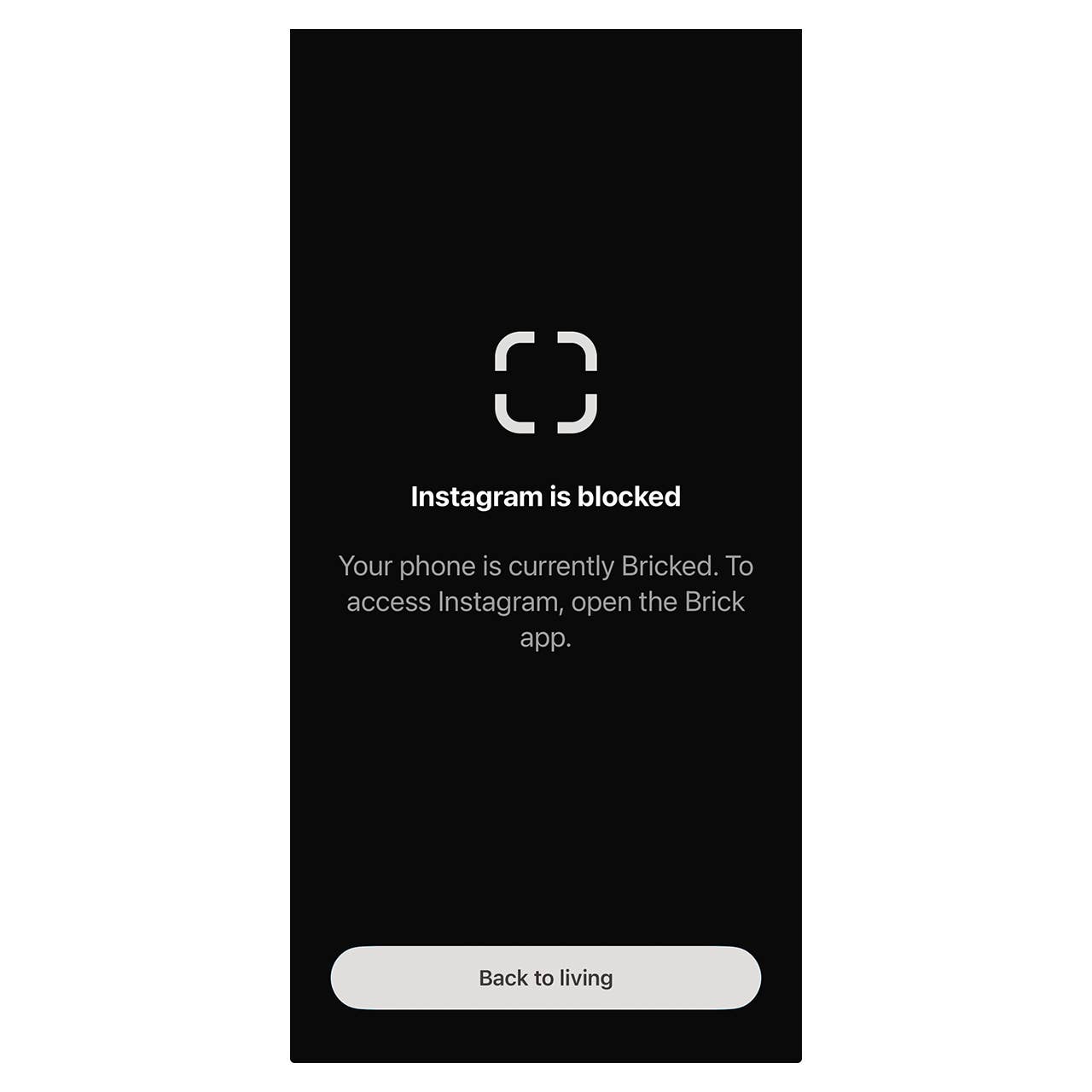
As I mentioned before, I have a habit of reaching for my phone for a quick (or not so quick) scroll through social media. But with Brick, it’s significantly helped with reducing my screen time. Even during the times I’m on autopilot and click on Instagram, there’s a reminder that says the app is blocked, and I have to exit the screen by clicking a button that says “back to living.”
Using Brick, I feel so much more productive. Not only does it help me take time away from my phone and break my doomscrolling habit, but I love how I can see the data and my overall Brick activity.
A little tip: If you’re like me and have reached for your phone out of habit, I try to turn it into something more productive. For example, I have thousands upon thousands of photos, videos, and screenshots on my phone, and it’s been a long-time goal to go through them. If I find myself reaching to scroll during brick time, I’ll turn to my photo album to delete a few things, and return back to true phone-free time.
To keep Brick more enticing over the past few months that I’ve been using it, I like creating nice Brick stations, if you will. I’ve had the Brick in a designated spot on my bedside table on top of a fun coaster, but have recently placed it in a shell-shaped butter dish I found at an antique mall. It’s aesthetically pleasing, and it makes bricking that much more of a treat.
Is Brick worth it?
Yes, Brick is a great way to limit screen time and phone usage. If you’ve tried built-in screen time limits on your smartphone or other methods that might work for a little but ultimately fail, I highly recommend giving Brick a go. For under $100, it’s an extra tool that can help cut back doomscrolling and increase productivity.
More app-blocking devices
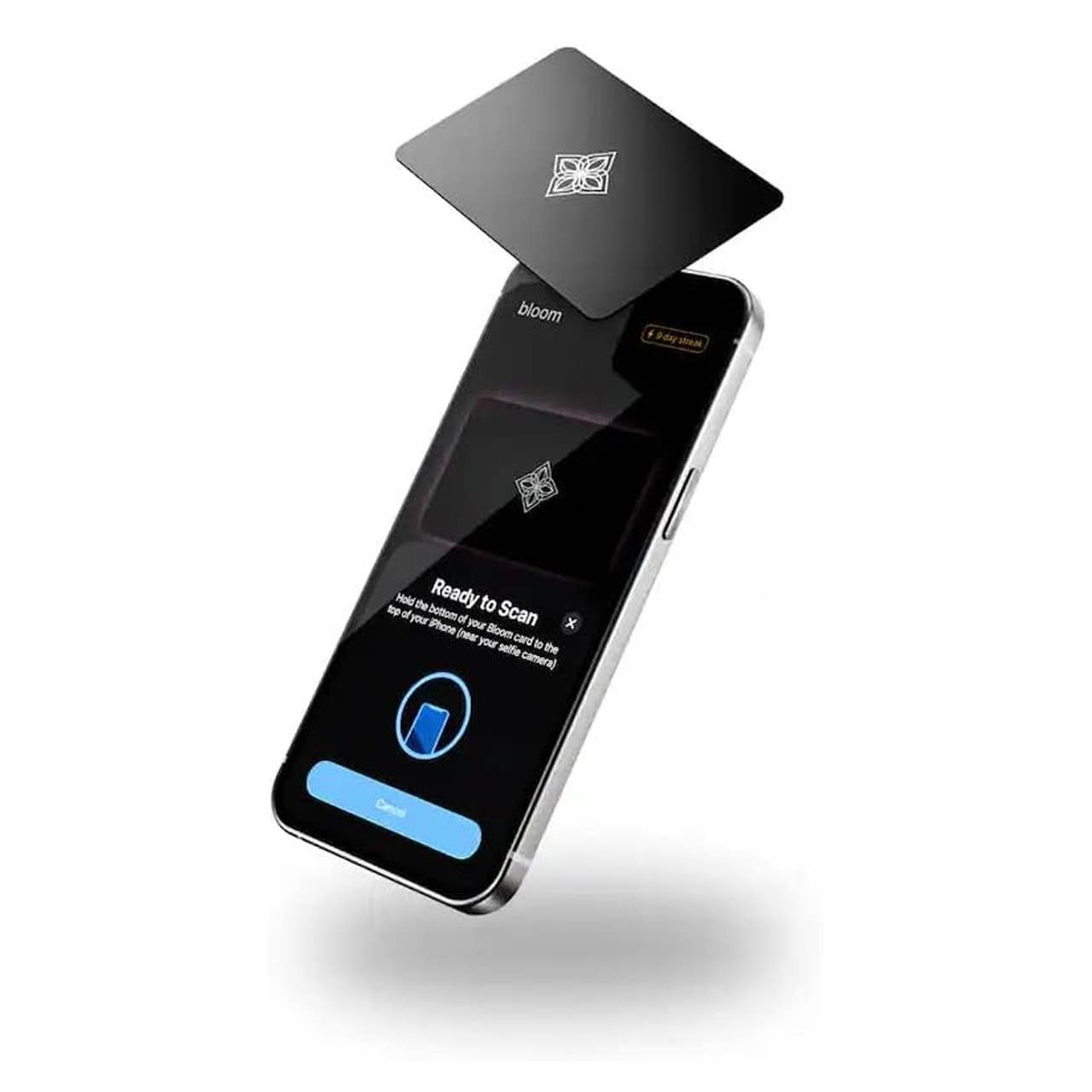
Bloom Card App Blocker & Screen Time Tool
Alafly Phone Access Blocker Device
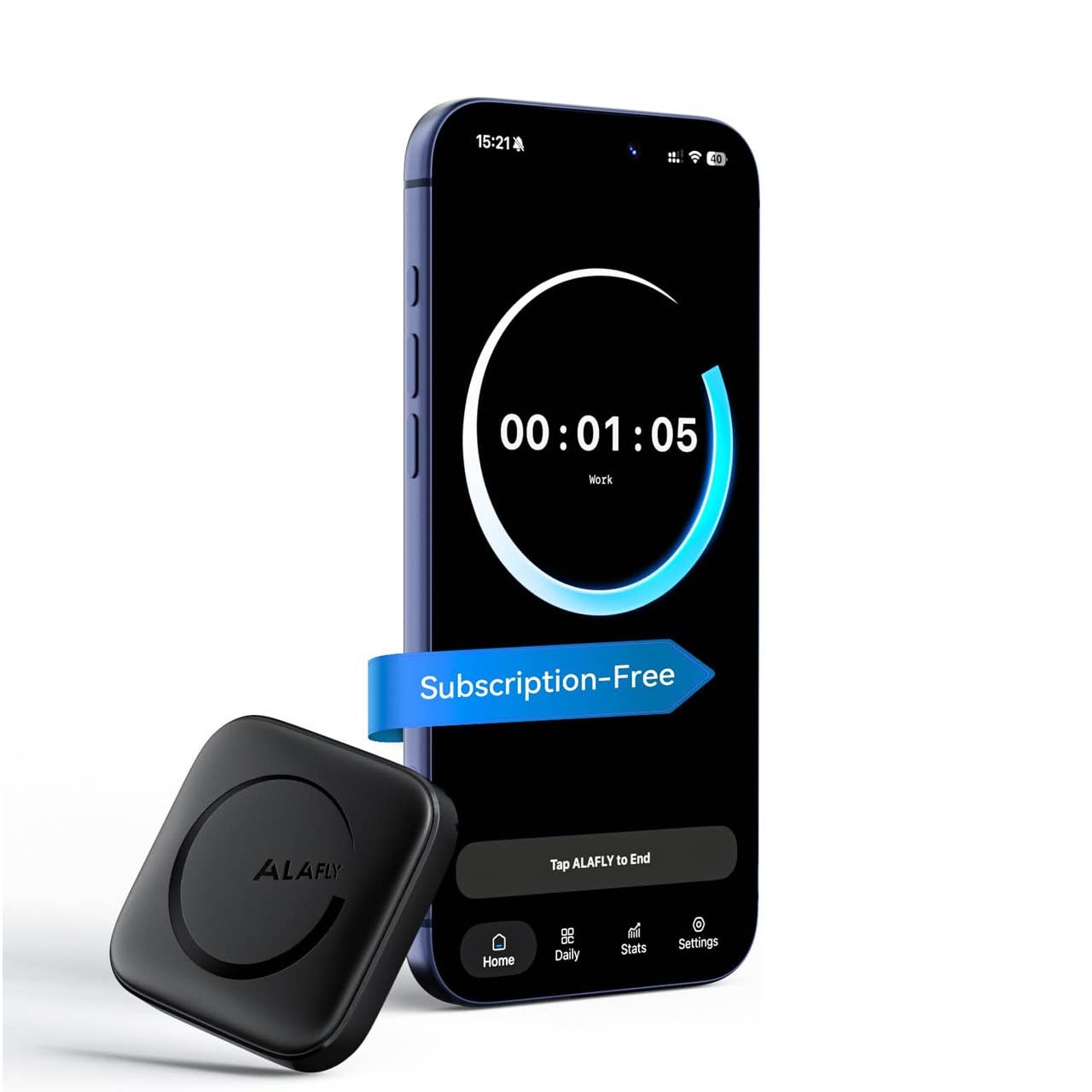
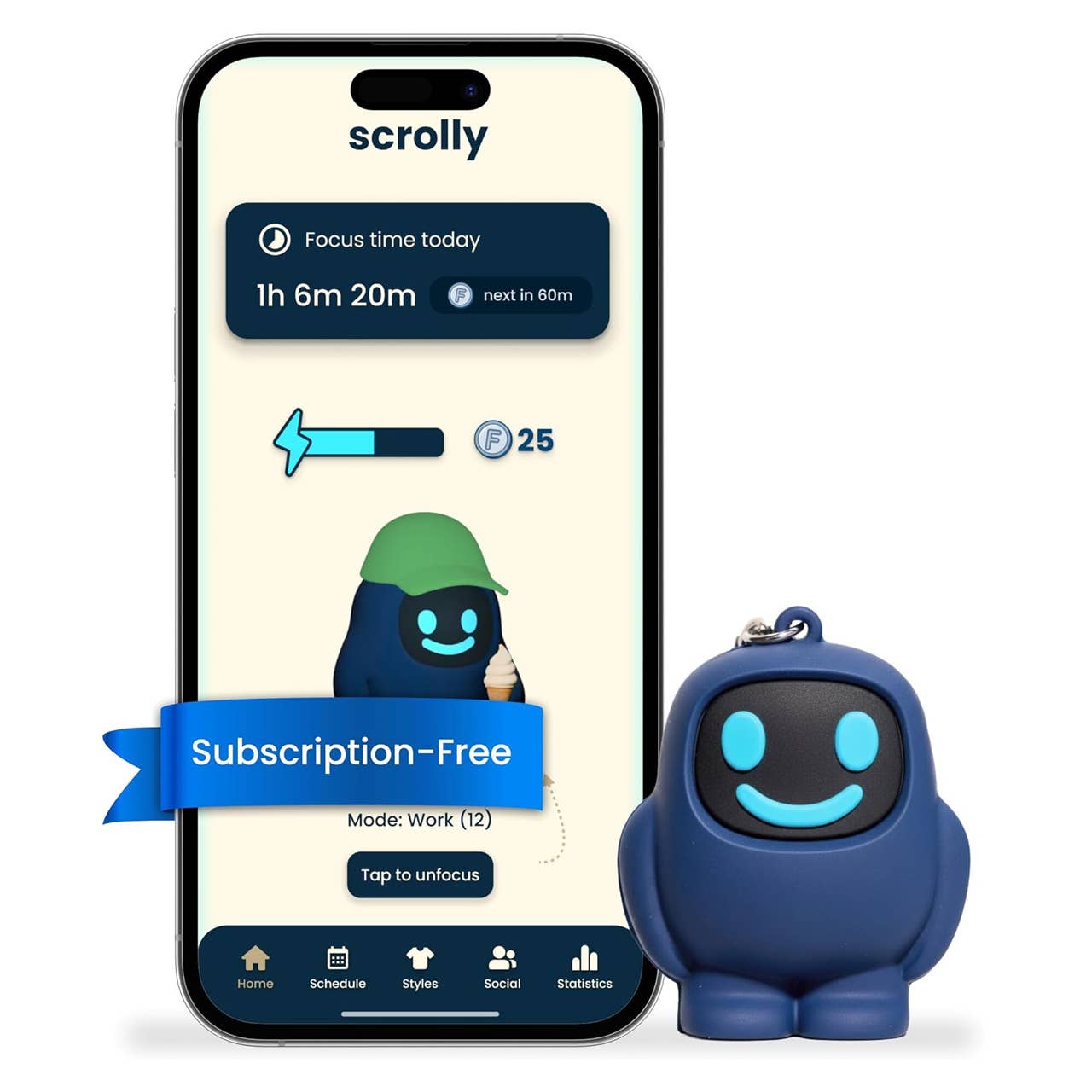
Scrolly Physical App Blocker
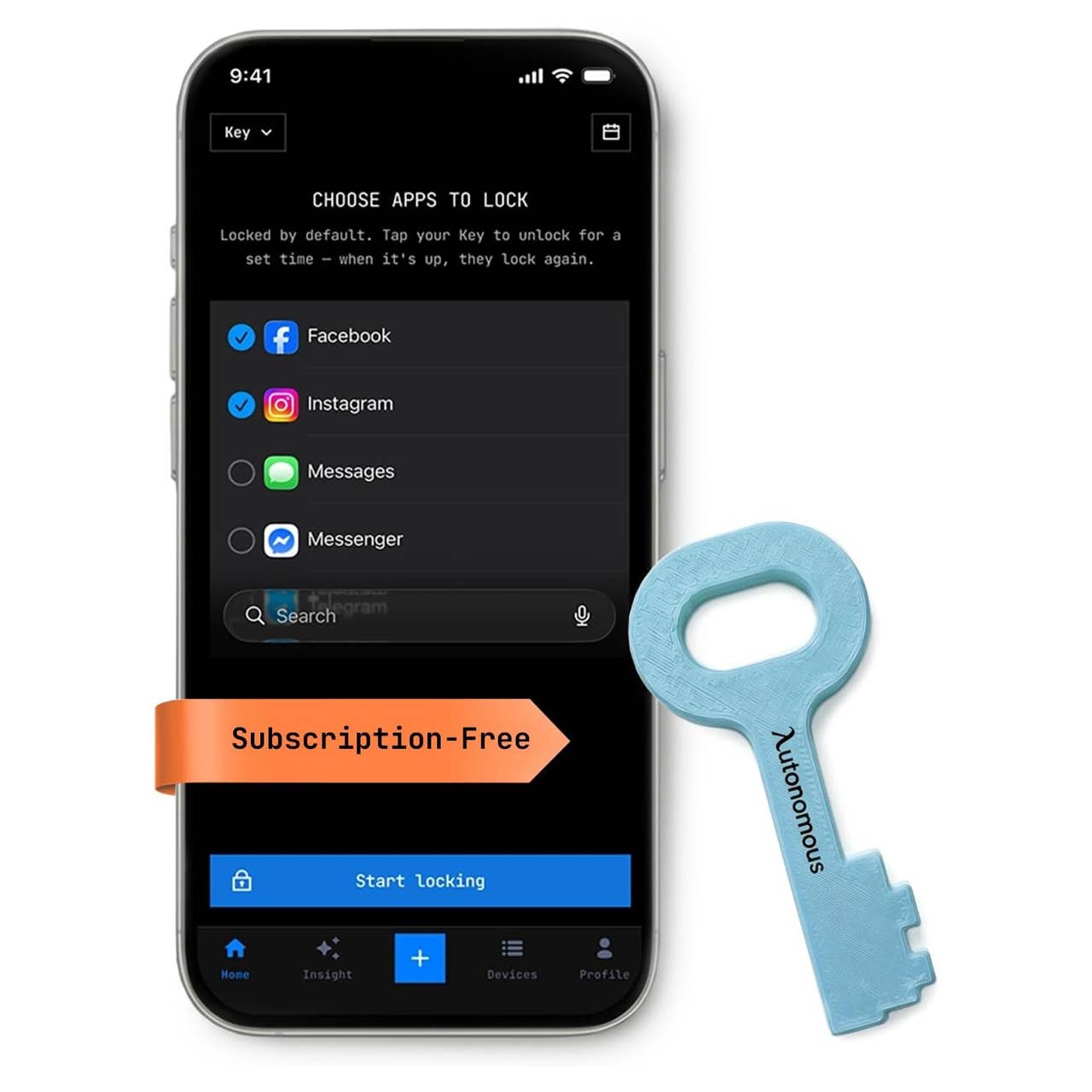
Autonomous Key Access Blocker Device
TheStreet Shopping is your guide for shopping insights and advice. We look beyond the price tag to find the best value in home, tech, and wellness gear based on product features and real-world use. Read more about our Editorial Standards and How We Choose Our Shopping Deals.