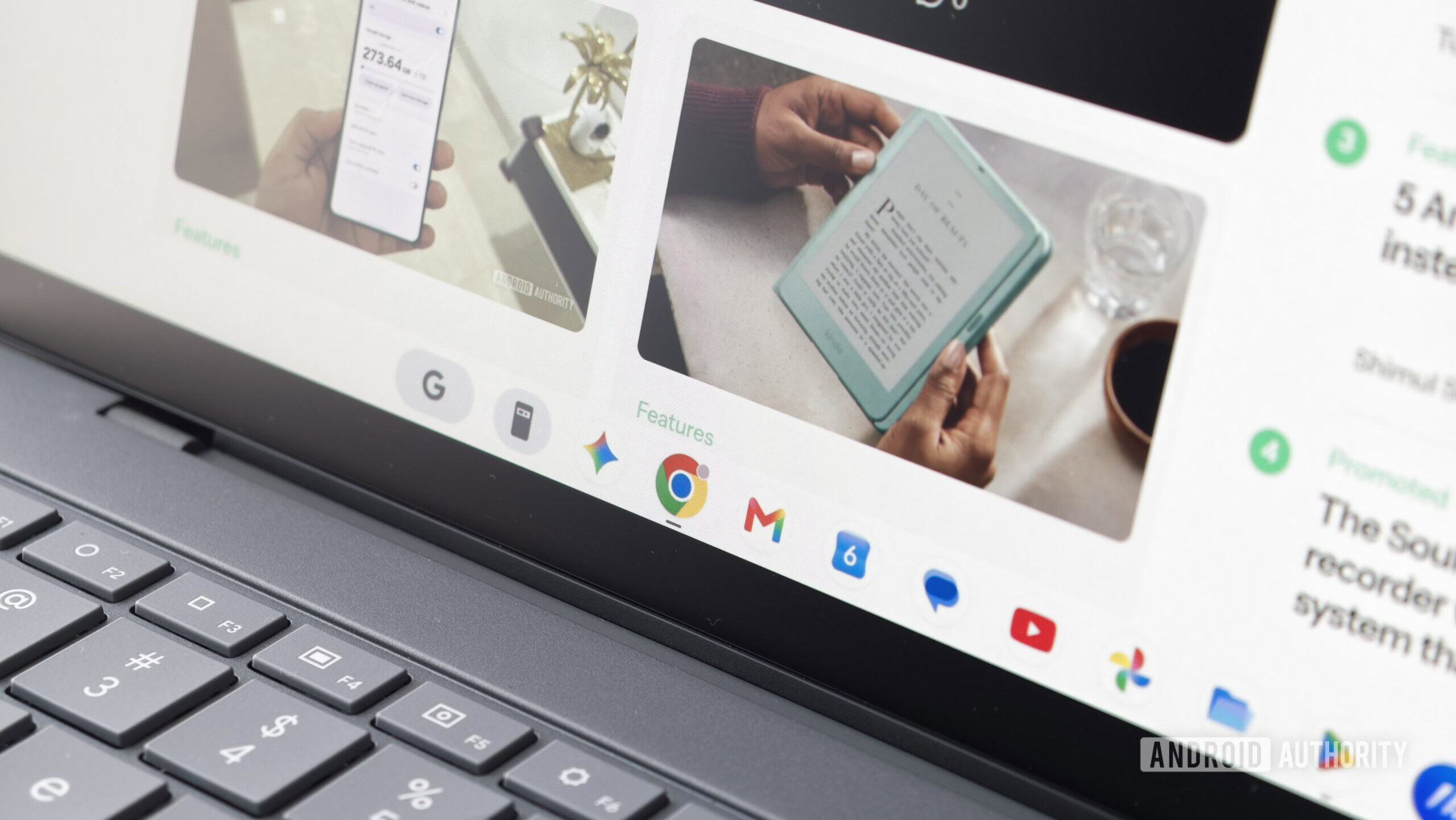
Credit: Hadlee Simons / Android Authority
TL;DR
- The new Googlebook OS platform doesn’t support multiple profiles in Chrome.
- This comes despite Chrome OS supporting multiple Chrome profiles for years now.
- One workaround is to install the beta or Canary versions of Chrome.
Googlebooks have finally gone on sale, and we’ve got five premium models on offer at launch. The platform is a hybrid between Chrome OS and Android, but the Chrome browser has inherited a smartphone weakness.
The Android Authority team has received Googlebook review units, and colleague Paul Jones and I can confirm that we’re not seeing support for multiple profiles in the Chrome browser. We’re both using the ASUS Googlebook 14. Clicking your profile image at the top of the browser merely takes you to the Chrome account settings page (with no profile switching option here), while the three-dot menu doesn’t list your profile with an option to switch accounts.