Credit: C. Scott Brown / Android Authority
TL;DR
- A visual glitch is affecting the Play Store’s Collections shortcut on the stock Pixel Launcher.
- Users are reporting that the icon next to the Collections shortcut is completely blank.
- Google’s Pixel product support team recommends checking for updates, clearing the Pixel Launcher cache, or rebooting into safe mode to see if a third-party app is the issue.
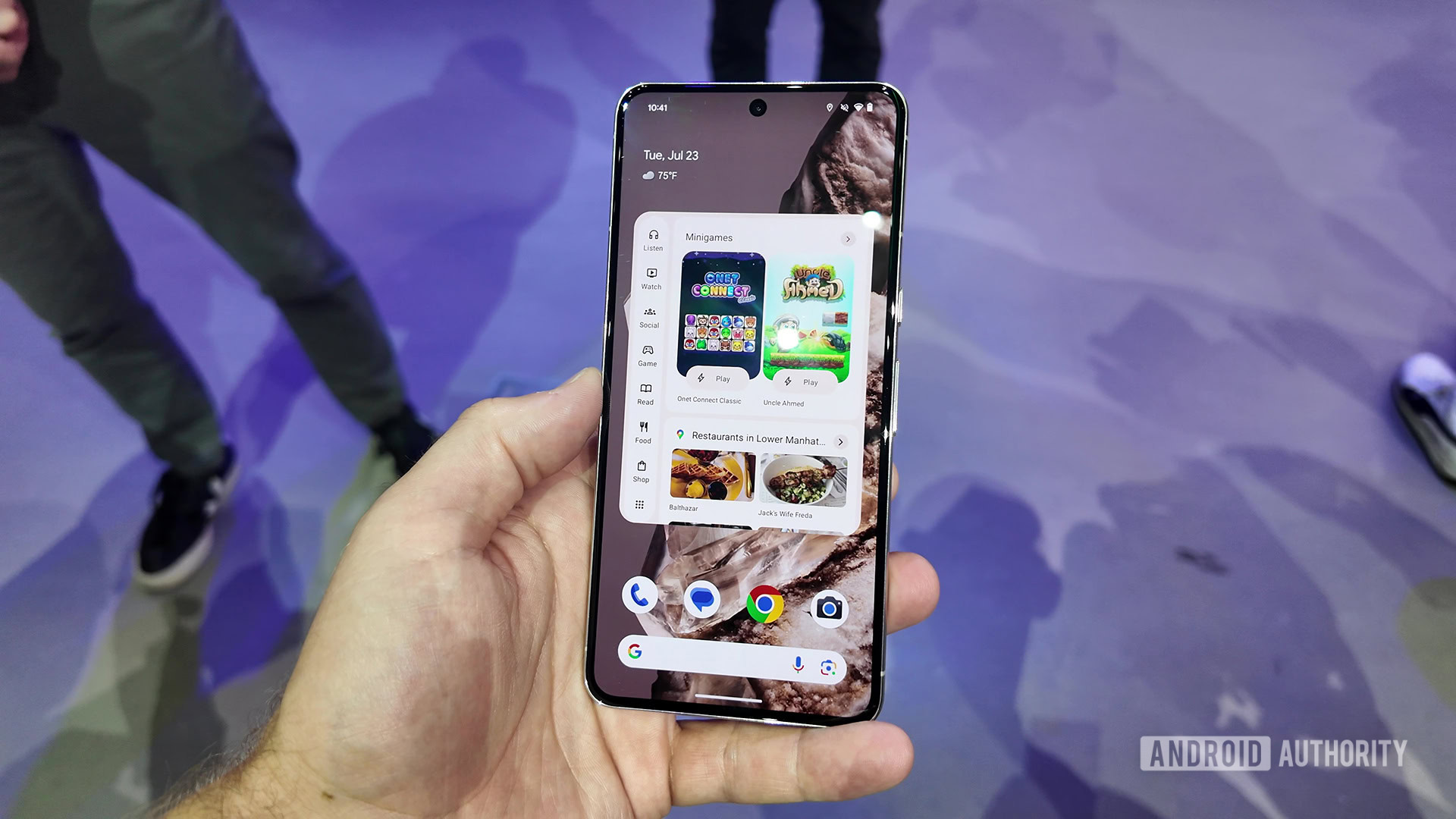
It has been about two years since Google introduced the Play Store feature known as “Collections.” This feature organizes your apps by topic and highlights content recommended by your apps. It’s meant to help you discover new content or resume content already in progress right from your home screen. If you tried to set up the widget recently, you may have noticed that something is a little off.
Accessing Collections is as easy as long-pressing on the Play Store app. It appears as the last option in the pop-up menu. Normally, the Collections option is accompanied by an icon in a circular enclosure. However, a bug appears to be causing a visual glitch.