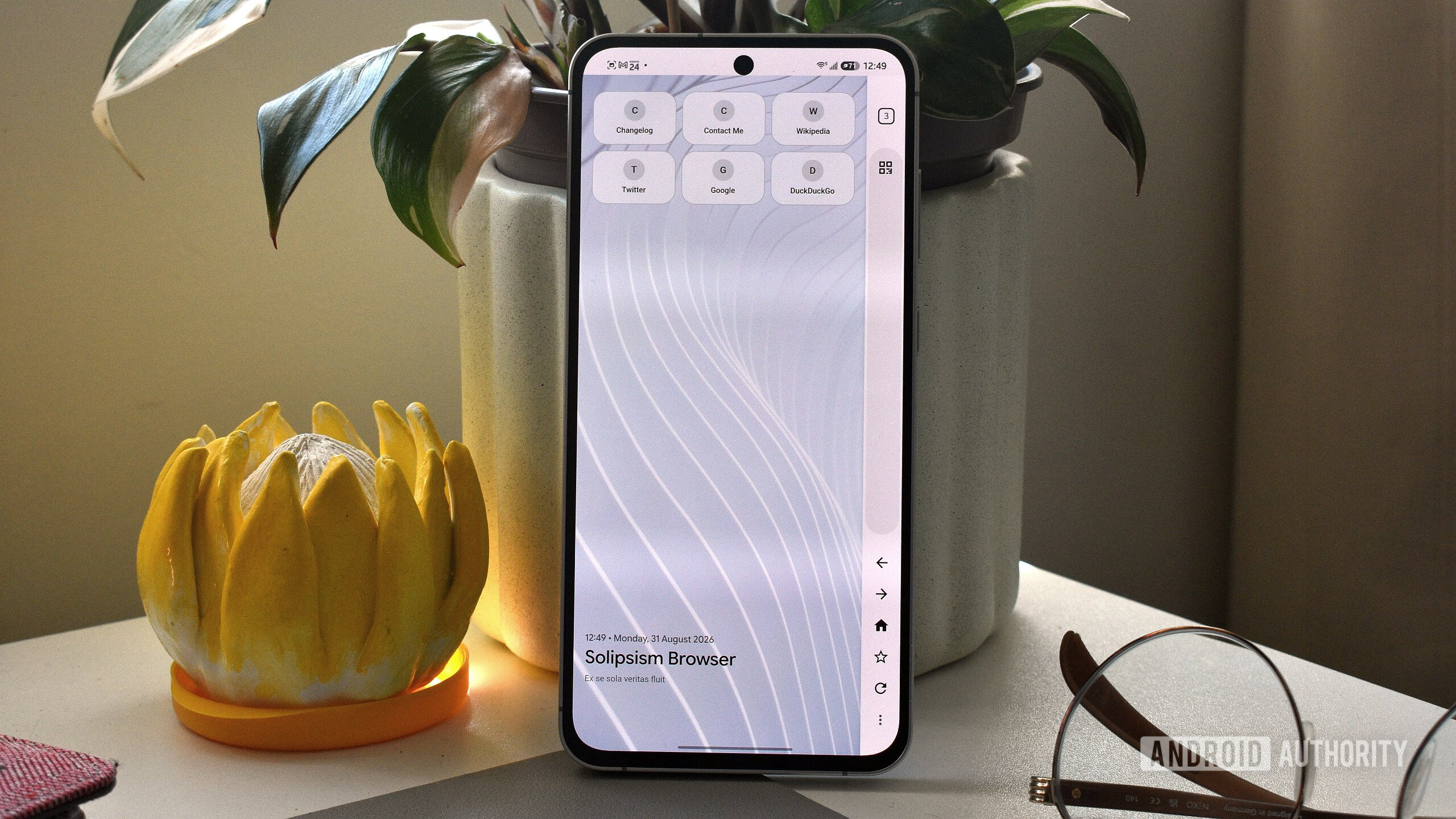
Credit: Andy Walker / Android Authority
For anyone looking to ditch Google Chrome, the Play Store has enough options already, from privacy-focused ones like Brave to extension-friendly browsers like Firefox. But no matter which you pick, there’s something always missing, whether it’s features, customization, or just a bit of personality.
Solipsism Browser is an open-source, Chromium-based browser that’s a rare exception. I don’t blame you if you haven’t heard of it — it’s fairly new and isn’t available on the Play Store either. Here’s how to install it on your Android and, more importantly, why it’s worth jumping through a few extra hoops.