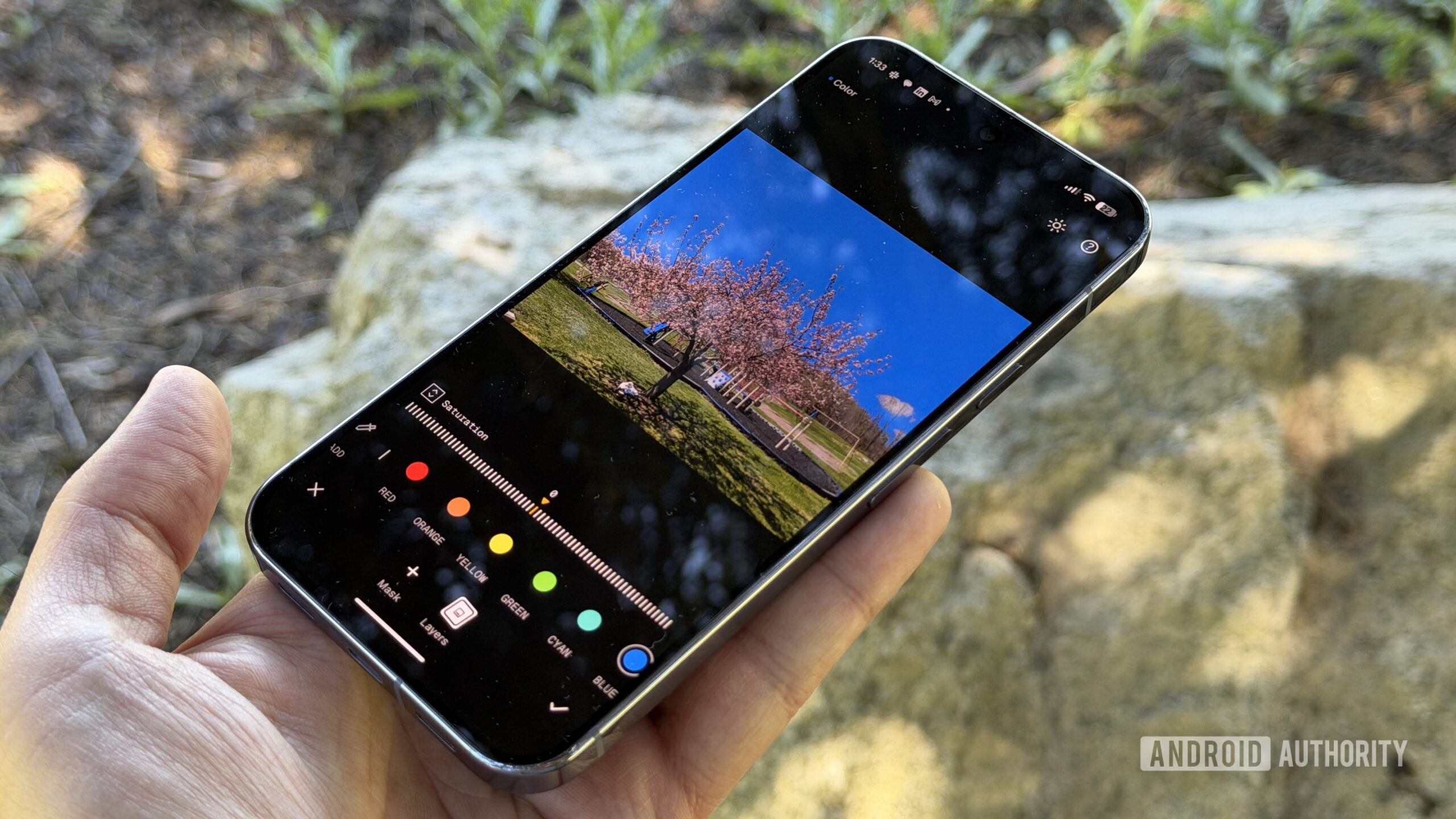
Credit: Stephen Radochia / Android Authority
TL;DR
- Google is testing a swipe-to-switch workflow in Snapseed that lets users swipe left or right to move between photos directly inside the editor.
- The gesture works for both locally stored images and photos taken with Snapseed’s built-in camera, removing the need to back out to the home screen between edits.
- A new “Always save when swiping” toggle in Settings > Save & export options > Editor automatically saves changes on swipe, while leaving it off triggers a confirmation dialog.
Google has been steadily breathing new life into Snapseed this year, following up major releases like the Snapseed 4.2 update with frequent under-the-hood improvements. Now, the company is working on a welcome quality-of-life addition that lets you swipe left or right to switch between photos directly in the editor, saving you the hassle of backing out to your gallery every time you want to edit another shot.
APK teardown: This reporting is based on work-in-progress code. These features may not ship.
Right now, editing multiple images in succession in Snapseed requires you to finish editing one image, return to the app’s home screen, and manually open the next picture.