If you’re new to Twitch, your first stream can be pretty daunting. You need to conceptualize it and plan out what you want to accomplish during the stream, all the while paying attention to the timeframe. That said, streaming on Twitch can be a ridiculous amount of fun, and it can also be quite rewarding if you’re a Twitch Partner or Affiliate. Today, we want to make your life easier by walking you through how to start Twitch streaming from your PC. You focus on getting all the necessary stuff ready for your stream, and we’ll take care of all the technical stuff.
Android
Whatever you do, don’t buy a Fitbit Edge on day one
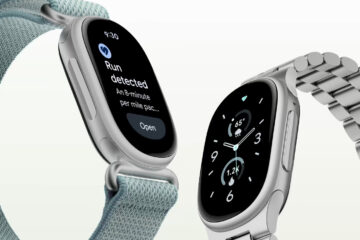
Credit: Google If you are about to buy a Google Fitbit Edge, let me ask you some questions first. Does it feature a mic and speaker for Call Mirroring? Does it support mobile payments? Are Read more…