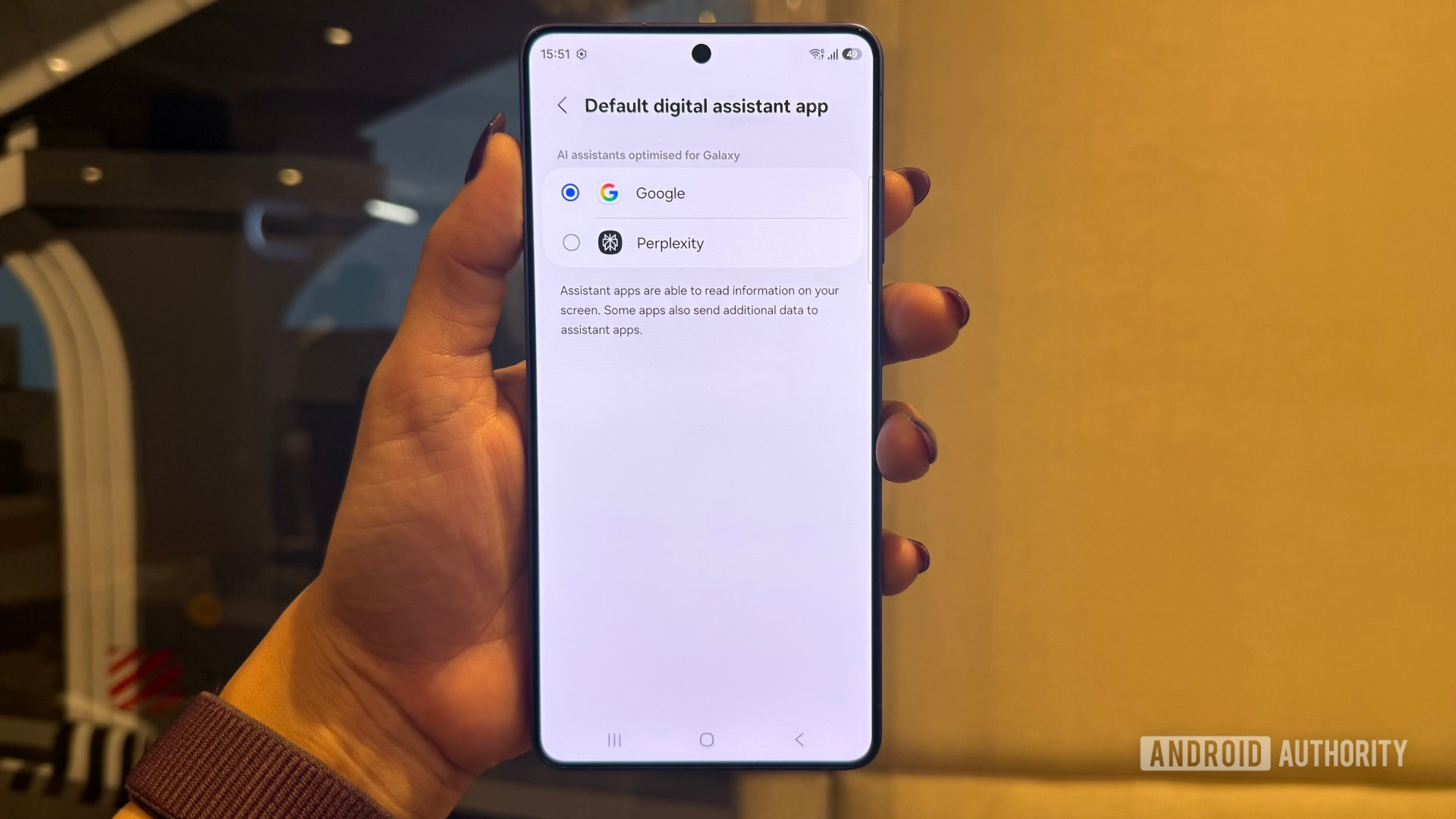
- One UI 9.5 Beta 1 adds an “Ask AI assistant” action to Samsung’s Modes and Routines app that can send prompts to Gemini or Perplexity.
- In our testing, Perplexity automatically sends prompts and reads answers aloud hands-free, whereas Gemini only prefills the prompt and waits for a manual tap because the Google app blocks Samsung’s auto-send request.
- The update also unlocks text summarization, offline translation, image text extraction, and a Repeat loop action. There are also seven new preset routines, including a Morning news briefing that only works hands-free when switched to Perplexity.
Samsung’s Modes and Routines has quietly become one of the most useful parts of One UI for power users. It lets you automate almost anything on your Galaxy phone with simple “if this, then that” rules. With the One UI 9.5 beta, Routines can now hand tasks to an AI assistant as well. Samsung didn’t mention this in the One UI 9.5 beta changelog, but we tried it on our Galaxy S26 Ultra, and which AI assistant you pick makes a big difference.
APK teardown: This reporting is based on work-in-progress code. These features may not ship.
Routines can now ask Gemini or Perplexity for you
Modes and Routines v5.2.00.69 in One UI 9.5 Beta 1 adds a new action called “Ask AI assistant.” You pick an assistant, type a prompt into the “Enter command” box, and the routine sends it whenever its trigger fires, whether that’s dismissing your alarm, arriving at work, or tapping a button. The prompt can also include text from earlier actions in the routine, going up to 8,000 characters.