- With One UI 9.5, users won’t be able to change Auto Blocker settings during a call.
- This is to thwart scammers trying to get people to disable security features.
- The feature is already live in the first One UI 9.5 beta on the Galaxy S26.
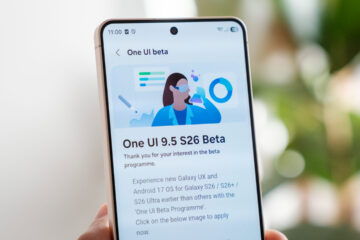
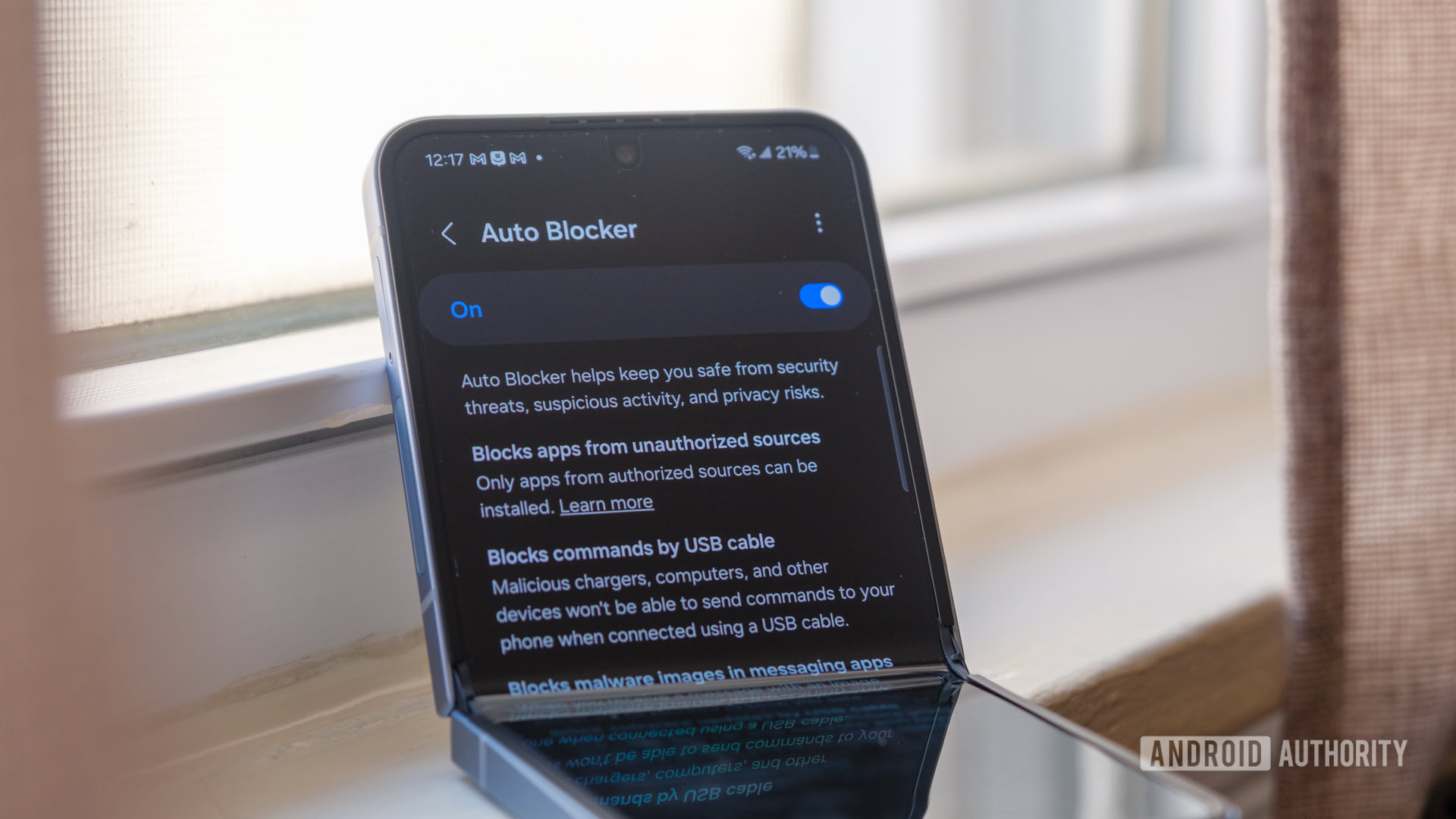
Samsung’s One UI comes with Auto Blocker, which warns you before sideloading APKs and protects your Galaxy phone or tablet from malicious execution over USB or from harmful files received via messaging apps. With One UI 9.5 beta that rolled out to the Galaxy S26 series earlier this week, Auto Blocker appears to be getting additional anti-scam features that prevent hackers from misguiding users during calls.
Since Auto Blocker prevents unauthorized apps from being installed, scammers may often attempt to lure users into changing security settings on their devices. Getting users to change these settings makes it easier for scammers to install malicious apps and take over these devices. To prevent this, Samsung is raising the threshold for Auto Blocker and adding measures that prevent users from changing crucial settings while they’re on calls.